Advanced Grid Wrapper
Main Content Area
HR Portal
Ensure enough contrast between text and its background. To check Babson color combinations, see the Babson Digital Colors page. For any other combination, use the WebAIM Contrast Checker.
Grid Set on Individual Content Types • Constrain width of grid: 554px • Background Image • Top Border



Constrain width of grid: 1140px • Background Image: Fixed • Add Extra Space to Top and Bottom of Section

Constrain width of grid: 1140px • Background Color • Remove Vertical and Horizontal Margin
You can set the grid at the AGW level, which applies to everything inside it, or set it separately within each content type.
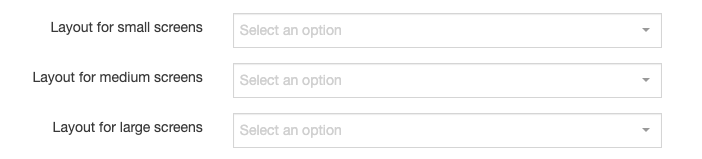
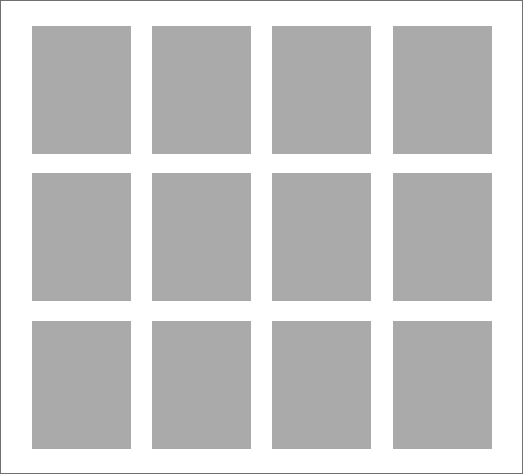

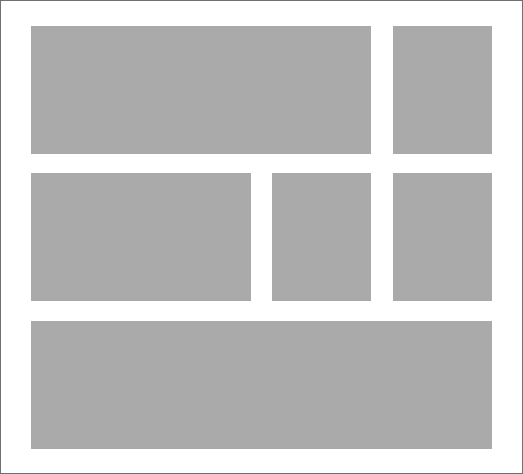
The Advanced Grid Wrapper can now be placed just below the Header or just above the Footer like other heros or sub-footer items, but this means any content type that goes within the AGW can be placed in these locations (with or without content contrained).
To place in main content area: see instruction page >>
Margin-bottom: 6rem (has margin-bottom options)
Steps to add the AGW to the Header:
- Create a child section (sub-section) under the parent section (main content area) of the page.
- Naming suggestion: Section Header (but the name doesn’t matter)
- In the child section, add an Advanced Grid Wrapper content type.
- Set a placement keyword (e.g., “Grid Group 1”).
- Set the section link to the location the AGW is loaction in itself. (e.g., Section Header)
- Set the “margin bottom” to zero.
- In the child section, also add the content types to be shown within the AGW.
- Set the same placement keyword as the AGW (e.g., “Grid Group 1”).
- In the parent section (main content area), add a content type “Section Header Container”
- Set the same placement keyword as the AGW it is connecting to (e.g., “Grid Group 1”)
To add the AGW to the Footer (same as above, except the naming):
- Create a child section (sub-section) under the parent section (main content area) of the page.
- Naming suggestion: Section Footer (but the name doesn’t matter)
- In the child section, add an Advanced Grid Wrapper content type.
- Set a placement keyword (e.g., “Grid Group 2”).
- Set the section link to the location the AGW is location in itself. (e.g., Section Footer)
- Set the “margin bottom” to zero.
- In the child section, also add the content types to be shown within the AGW.
- Set the same placement keyword as the AGW (e.g., “Grid Group 2”).
- In the parent section (main content area), add a content type “Section Footer Container”
- Set the same placement keyword as the AGW it is connecting to (e.g., “Grid Group 2”)